 InvoiceCraft
Looking for a Shopify Order Printer alternative?
· 3 min read
Order Printer is Shopify’s own free app for printing invoices and packing slips from your orders. Its templates are written in HTML and Liquid, Shopify’s template language. For many new stores it’s all they need. As a store grows, though, the paperwork tends to outgrow a print button. Here’s how to tell whether you’ve reached that point, and what to look for in an alternative.
When Order Printer is enough
Order Printer is a good fit if:
- You print a small number of orders by hand
- You’re comfortable editing HTML and Liquid, or happy with a default template
- You don’t need invoices emailed automatically
- Nobody — your accountant, your tax authority, your business customers — needs strict invoice numbering
Signs you’ve outgrown it
You’re editing code to change a font. If every design change means opening a Liquid template, a visual editor with a live preview saves time and mistakes.
Customers keep asking for invoices. If you’re downloading PDFs and attaching them to emails by hand, that work should happen automatically after payment.
You need numbers your accountant trusts. Many countries expect invoice numbers to be sequential with no gaps. Using the Shopify order number as an invoice number doesn’t always meet that, because not every order becomes an invoice.
Refunds need a paper trail. Changing an old invoice after a refund breaks your records. A credit note keeps them consistent.
Printing takes too long. Printing orders one by one doesn’t scale on a busy day.
What to look for in an alternative
| Need | What to look for |
|---|---|
| Branding | Visual template editor with a live preview, no code |
| Automation | Invoices emailed with the PDF attached when an order is paid |
| Compliance | Separate gapless number series, documents that can’t be edited after issue |
| Refunds | Credit notes that reference the original invoice |
| Volume | Bulk download as a ZIP or one merged PDF |
| International | Translated labels and your tax ID on every document |
| Privacy | Read-only access to orders |
How InvoiceCraft covers it
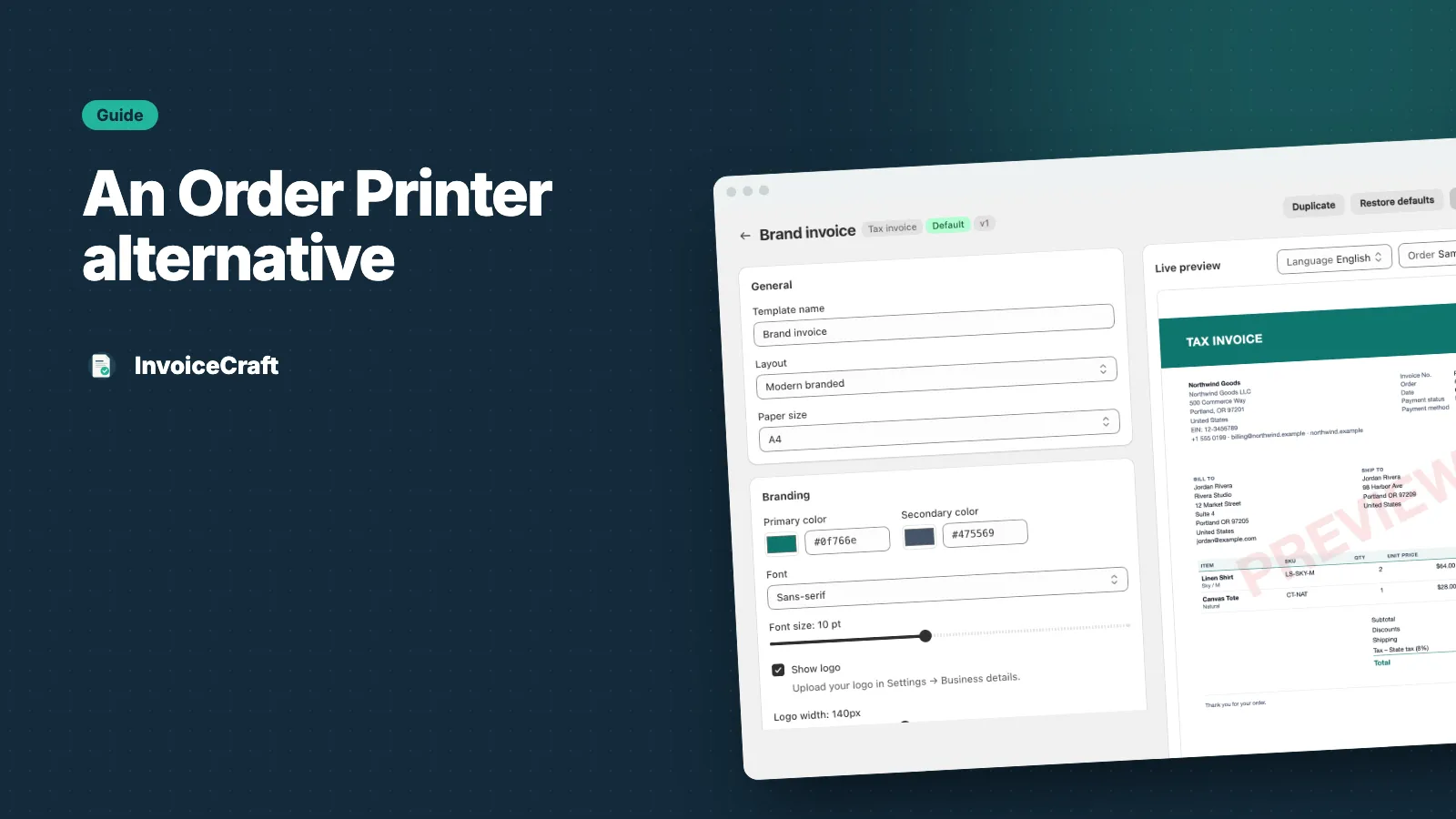
- No-code template editor. Pick Minimal, Modern or Compact, then change colors, fonts, paper size, columns, header and footer, with a live preview as you edit. Start from a gallery of designs for different store types.
- Four document types. Invoices, receipts, packing slips and credit notes, each with its own templates.
- Automatic invoice emails. On Starter and Pro, rules send the right document with the PDF attached as soon as an order is paid, filtered by order total, tag or shipping country. Here’s how to set one up.
- Audit-ready records. Separate sequential number series per document type. Issued documents never change, and each refund gets its own credit note.
- Bulk printing. Select orders and download a ZIP or one merged PDF — up to 500 orders per job on Pro. Ideal for packing slips.
- 7 languages. English, Spanish, French, German, Italian, Portuguese and Dutch — automatic per customer on Pro.
- Read-only. InvoiceCraft only reads your orders. It never edits orders, products or customers.
Switching is low-risk
You don’t need to remove Order Printer to try InvoiceCraft. Install it, set up your business details and a template, and issue documents for a few recent orders to compare. The Free plan covers 25 orders a month, so you can test it on real orders before you decide.