 InvoiceCraft
Shopify invoices in multiple languages
· 3 min read
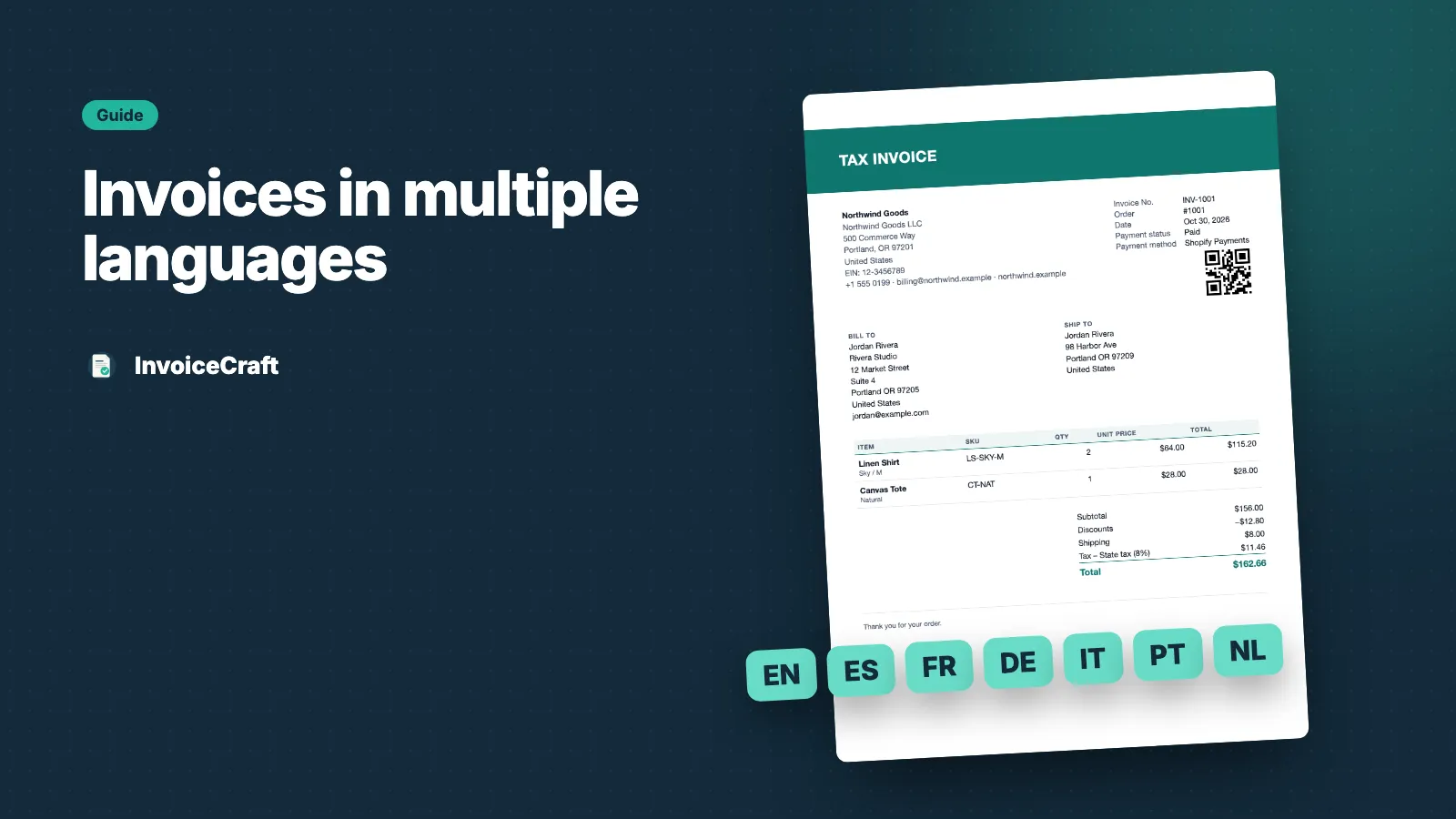
If you sell across borders, an invoice in English isn’t always enough. A customer in Germany expects Rechnung, not Invoice, and dates and amounts in the format they’re used to. Here’s how to send Shopify invoices in multiple languages with InvoiceCraft.
Supported languages
Document labels are translated into seven languages:
- English
- Spanish
- French
- German
- Italian
- Portuguese
- Dutch
Labels include headings, column names, totals, payment status, and the tax ID label — for example USt-IdNr. in German or N° de TVA in French.
One language for all documents
On every plan, choose a default language for your documents in settings. Every invoice, receipt, packing slip and credit note is created in that language.
Each customer’s language, automatically (Pro)
On the Pro plan, InvoiceCraft uses the customer’s locale from the Shopify order to pick the language. A customer who shopped in French gets a French invoice; a customer who shopped in Dutch gets a Dutch one.
If the customer’s language isn’t one of the seven, InvoiceCraft falls back to your default language, then your fallback language, then English. You always get a complete document — never a mix of languages.
Dates and amounts look local too
Dates and amounts are formatted for the document’s language and the customer’s region. A Canadian French customer sees Canadian French formatting, while a customer in France sees the French format.
Amounts always stay in the order’s currency. InvoiceCraft formats the currency, but never converts it.
Change any label
Don’t like a translation, or need different wording? Override any label text for any language — for example Invoice instead of Tax Invoice, or your preferred term for Packing slip. Your overrides apply to every new document in that language.
Preview each language
In the template editor, switch the preview language to check how your invoice looks in each one before you go live.
Combine with automatic emails
Pair multi-language invoices with an automation rule and each customer receives an invoice in their own language as soon as the order is paid, with no manual work.
Multi-language by customer locale is part of the Pro plan. Selling in the EU? Read what a VAT invoice needs to include.